













Internal integration secret key
Create a new integration to obtain an API key at https://www.notion.so/profile/integrations/
1) Login
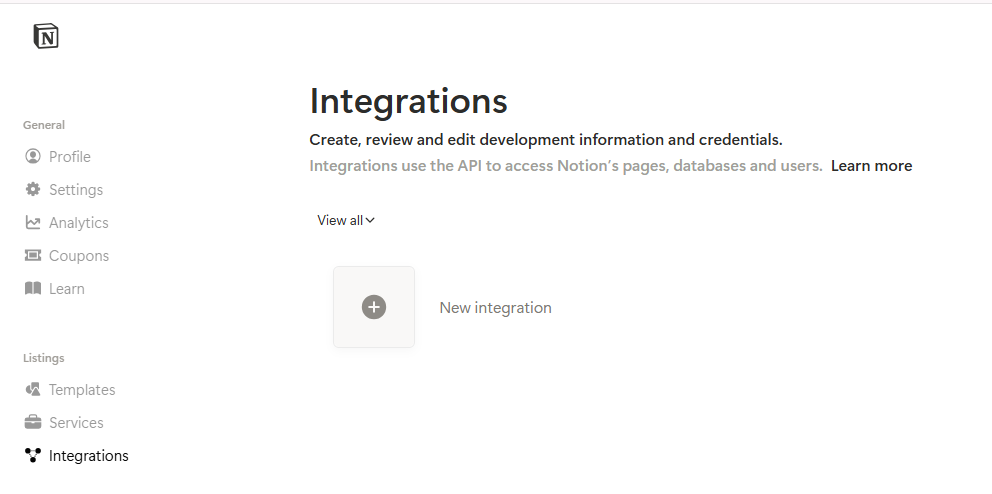
Go to https://www.notion.so/profile/integrations/ and login with your Notion credentials.
Click on the New integration button.
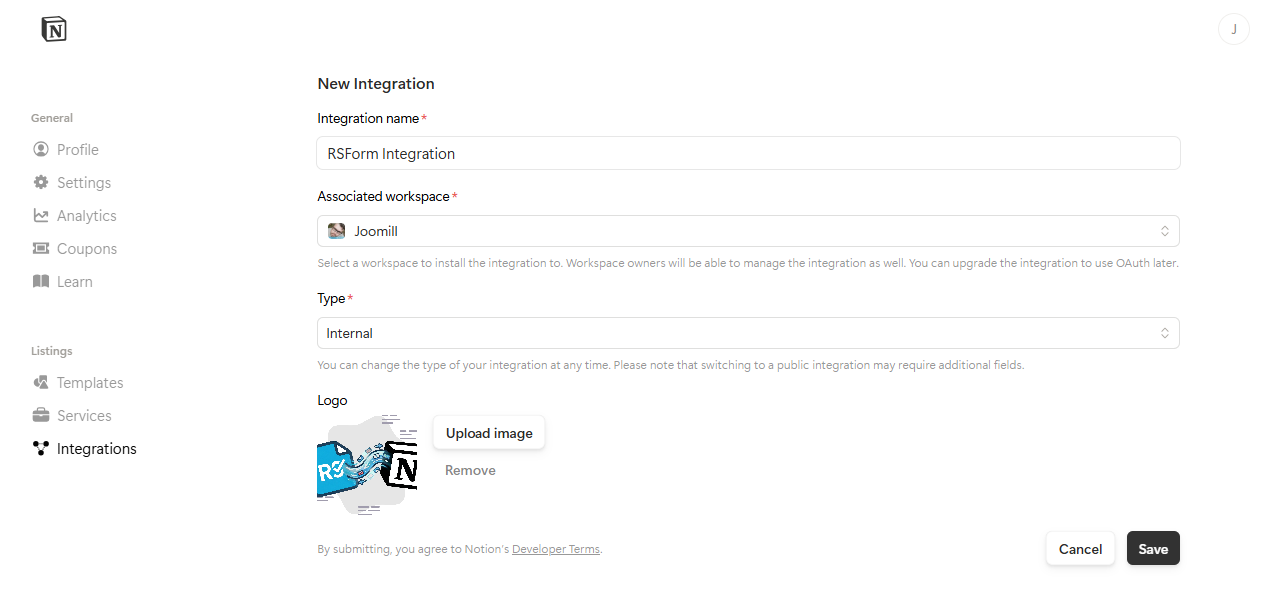
2) New Integration
Enter a Integration name.
Associated workspace: Select your Associated workspace.
Type: select Internal.
Logo: (optional) Upload a logo.
Click the Save button.
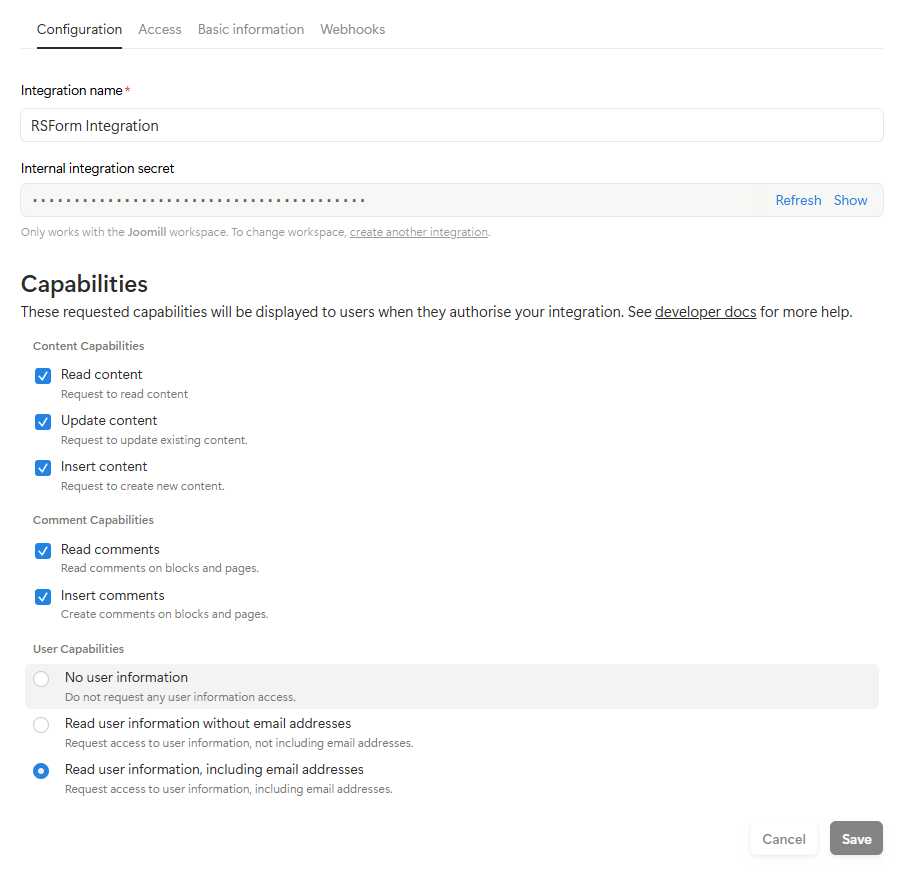
2) Configuration
In the next step you see the Internal integration secret.
Show this key, copy and paste this key in your RSForm! PRO Configuration.
Capabilities:
- Content capabilities are checked by default
- Check Comment capabilities when you would like to use the comment field
Click the Save button.
3) Access Configuration
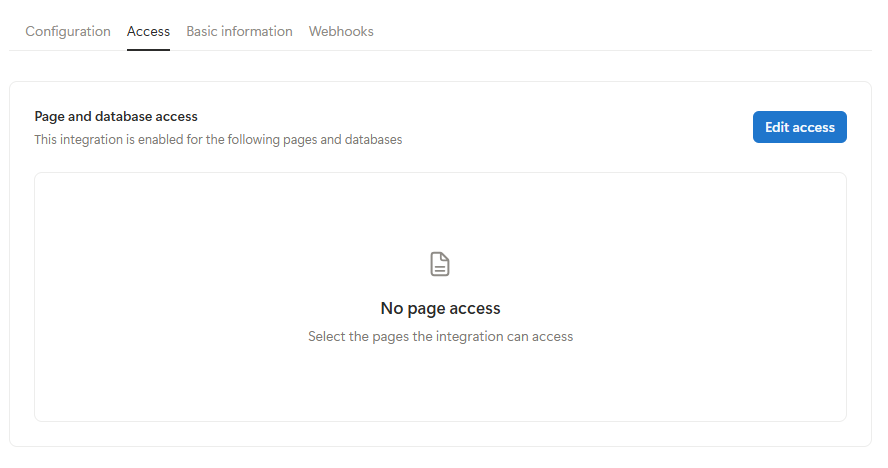
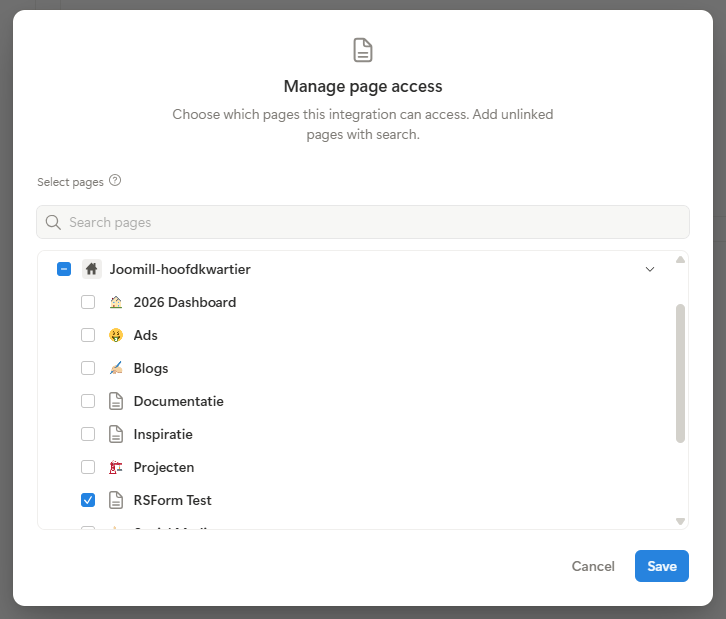
Click the Edit access button.
Select the database you would like to connect.
Click the Save button.